Nockbone is a Unity ragdoll sandbox by Anemonei, published on itch.io. Because the entire sandbox revolves around testing physics, weapons, ship systems, and medical gear on simulated characters called Pips, learning the exact Nockbone spawn Pip workflow is the first skill every new player needs in V1.0.3.6a.
This guide walks step by step through starting a room, loading into a map, using the Spawn Menu to place Pips, directing multiple Pips in solo or 8-player multiplayer lobbies, and troubleshooting the most common Nockbone spawn Pip failures. Once your Pips are active, explore how they react to physical forces in our Nockbone ragdoll and body simulation guide or learn medical stabilization in the Nockbone Pip anatomy and medical guide.
Step-by-Step Nockbone Spawn Pip Workflow (V1.0.3.6a)
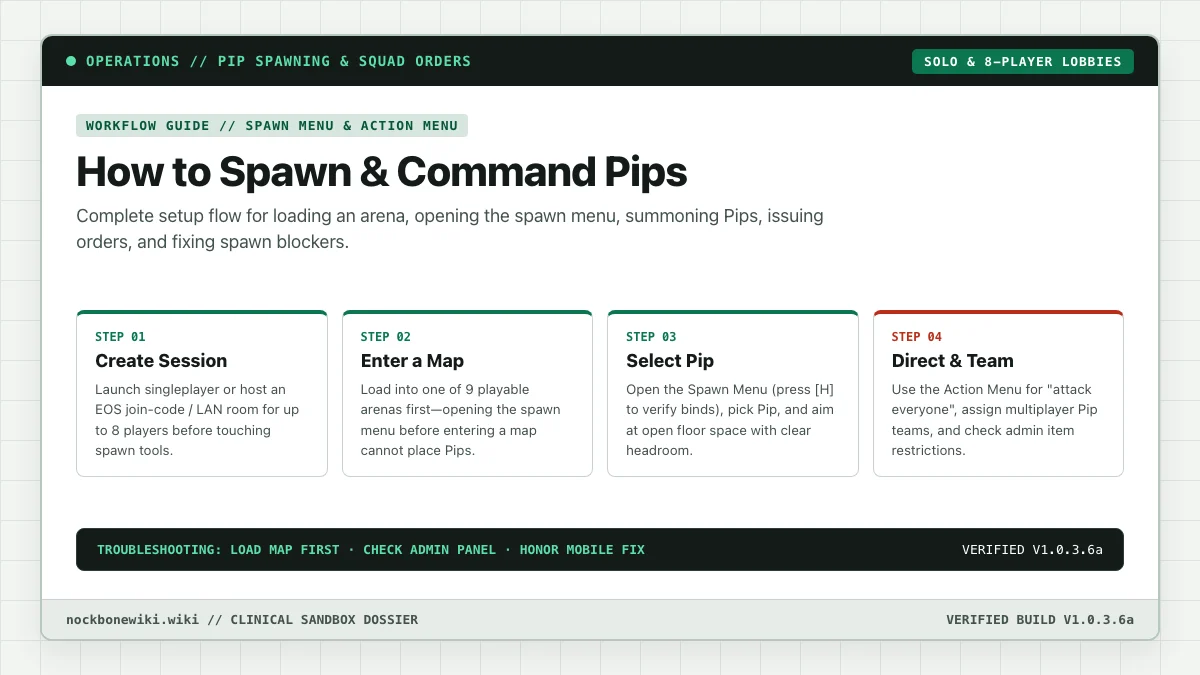
Follow these four steps in order every time you launch Nockbone V1.0.3.6a so your spawn actions register cleanly without menu lockouts:
Step 1: Start a Singleplayer Session or Host a Multiplayer Room
From the main menu, choose whether you want a private sandbox test or a shared lobby. In multiplayer, Nockbone supports up to 8 players online via Epic Online Services (EOS) join codes or over LAN. If you are hosting friends and want full control over spawns, cleanup, and weapon rules, create the lobby yourself so you hold admin authority (see our Nockbone multiplayer guide).
Step 2: Load Completely Into a Playable Map First
Select one of the nine playable maps verified in V1.0.3.6a—Facility, Tower, Frogger, Moving Train, Lost in Space, Factory, The Block, Prison ("Death Row"), or Backroads (note that Subway is still greyed out in development). Wait until your player character has fully loaded onto the map floor before attempting any Nockbone spawn Pip action. Opening a spawn interface before you are actually inside an active arena is the number-one reason new players think Pip spawning is broken.
Step 3: Verify Keybinds With H and Open the Spawn Menu
Because Anemonei ships rapid early-development builds every one to four days, always tap H after loading in to display the live KEYS reference in the top-right corner of the HUD (full confirmed desktop bindings are documented in our Nockbone controls guide). Open the Spawn Menu, switch to the character/Pip category, and look toward an unobstructed floor area with enough headroom so the spawned ragdoll does not clip into walls or furniture.
Step 4: Select Pip and Place Into the Arena
Select Pip inside the Spawn Menu to drop a clothed, fully simulated Nockbone ragdoll onto the targeted spot. As of v1.0.2, spawned Pips appear clothed (absorbing blood realistically when injured), can climb and crawl, and are less likely to surrender immediately if provoked. Repeat the selection whenever you want additional test subjects—or spawn complementary contraptions like wheelchairs, gurneys, or the 10-level launch pad from the same menu.
Directing Spawned Pips: Action Menu, Commands & Positioning
Completing a Nockbone spawn Pip placement is only half the setup—V1.0.3.6a gives you direct behavioral and physical tools to stage scenarios instead of chasing idle NPCs around the map:
| Feature / Tool | Added / Updated | How to Use With Spawned Pips |
|---|---|---|
| Action Menu Orders | Core / v1.0.3.5 / v1.0.3.6 |
Issue live behavioral commands to spawned Pips and cancel active interactions cleanly (v1.0.3.5) |
| "Attack Everyone" Order | v1.0.3.6 |
Turn peaceful spawned Pips into immediate free-for-all combatants through the Action Menu |
| Multiplayer Pip Teams | v1.0.3.5 |
Assign spawned Pips to specific teams so they fight alongside or against player squads |
Grab & Position (Hold LMB) |
Core | Manually drag Pips into Factory grinders, onto Lost in Space ward gurneys, into bunks, or inside specimen tanks |
| Wheelchairs & Restraints | v1.0.3 – v1.0.3.6 |
Place Pips in wheelchairs (they can move themselves since v1.0.3) or apply handcuffs, hoods, blindfolds, and gags |
On Lost in Space, you can also place a spawned Pip directly inside the working specimen tanks, lay them in crew bunks (v1.0.3.6), or isolate an infected Pip (after using the zombie infection syringe from v1.0.3.5) behind the quarantine bay glass door.
Spawning Multiple Pips in 8-Player Multiplayer Rooms
When you run Nockbone spawn Pip sessions with up to eight players over EOS or LAN, coordinate spawns around three verified multiplayer rules:
- Use Pip Teams for Structured Fights: Introduced in v1.0.3.5, Pip Teams let players organize spawned ragdolls into opposing factions rather than chaotic friendly fire. Combine Pip Teams with the "attack everyone" command (
v1.0.3.6) when you want a sudden riot on Prison ("Death Row") or Facility. - Manage Host Permissions & Cleaning Tools: Random joiners receive no default admin permissions (
v1.0.3), and only server admins can fly (v1.0.2) or use Cleaning Tools (v1.0.3) to clear cluttered maps. If a lobby fills up with bodies and props, the host needs to trigger cleanup—while unused items and vehicles also auto-despawn over time as ofv1.0.3.6. - Avoid Overloading Early-Build Networking: Even though v1.0.3.6 fixed the major 9000+ ms combat ping spike bug, spawning huge crowds of active Pips alongside explosive ordnance (RPG-7, Air-Strikes, C4) can still cause frame drops or desyncs on lower-end machines. Hosts can open the Admin Panel mid-session (
v1.0.3.6) to restrict disruptive gear without restarting the map.
Common Nockbone Spawn Pip Failures & Verified Fixes
If your Nockbone spawn Pip attempt fails or produces unexpected visuals, check these verified causes in V1.0.3.6a:
- Opened Spawn Menu Before Entering a Map: You cannot spawn Pips from pre-game screens or while a map is still loading. Finish loading into one of the nine playable arenas in all Nockbone maps first, then reopen the Spawn Menu.
- Spawned Pips Are Invisible (Shadows Only) on Android / Honor Phones: Several Android users—especially on Honor devices—have experienced a rendering bug where spawned Pips are completely invisible except for their ground shadows. Make sure you updated to the V1.0.3.6a 64-bit APK from our Nockbone download guide, as
v1.0.3.6shipped a mobile fix for invisible Pips (though some Honor models still report shadow-only Pips pending further developer patches). - Multiplayer Admin Restrictions or Version Mismatch: If spawns or specific items fail inside someone else's server, the host may have toggled allowed/blocked items mid-session in the Admin Panel, or your client may be running an older build than the host's V1.0.3.6a release.
- Crowded Geometry or Clipped Spawns: Aiming directly at a closed doorway, narrow bunk, or ceiling fixture can cause physics ragdolls to wedge awkwardly. Aim at open floor space first, then grab (
Hold LMB) or push (RMB) the Pip into tight testing contraptions. - Severe FPS Drops After Spawning Many Pips: Heavy blood pools and close-up liquids cause known FPS drops on both desktop and mobile. Keep Pip counts reasonable on mobile hardware, step back from dense liquid pools, and let V1.0.3.6a's auto-despawn or admin cleanup clear finished tests.
Frequently asked questions
Why won't Nockbone spawn Pip work when I open the spawn menu right away?
You must create a session and finish loading into one of the playable maps first. Trying to trigger spawns before entering an active map—or in a multiplayer lobby where the host restricted spawns—will prevent Pips from appearing.
How do I check the exact Spawn Menu keybind in Nockbone V1.0.3.6a?
Press H during gameplay to display the built-in KEYS reference in the top-right corner of the HUD. Because Nockbone updates every few days, checking H guarantees you see the live keybind for your build.
Can I spawn multiple Pips and make them fight each other in Nockbone?
Yes. After spawning multiple Pips inside a map, open the Action Menu and issue Pip orders—including the 'attack everyone' command added in v1.0.3.6—or organize them into multiplayer Pip teams (v1.0.3.5).
Why are my spawned Pips invisible or showing only shadows on Android?
Mobile rendering bugs have caused invisible or shadow-only Pips on some Android handsets, particularly Honor devices. Update to the V1.0.3.6a 64-bit APK (which includes the v1.0.3.6 mobile Pip visibility fix), though some Honor models still await follow-up patches.
Can a multiplayer admin stop players from spamming spawns or gear?
Yes. Hosts have no default permissions enabled for random players, retain exclusive access to Cleaning Tools (v1.0.3), and can edit allowed or blocked server items live mid-session from the Admin Panel (v1.0.3.6).
Keep reading
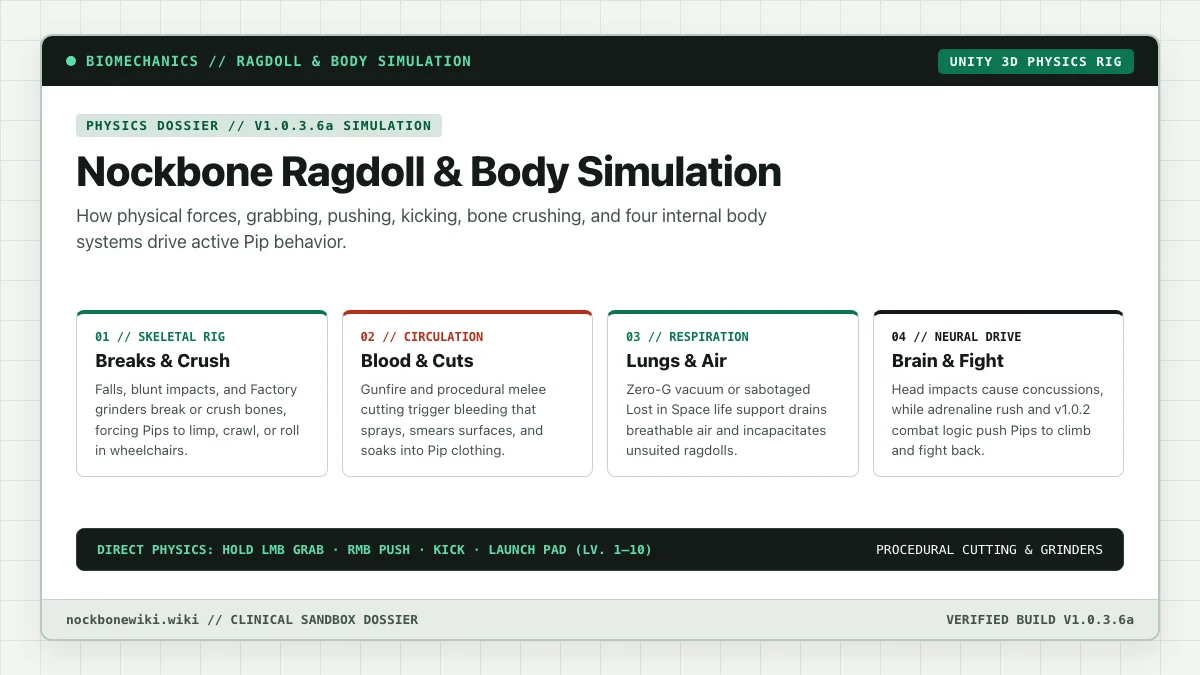
Nockbone Ragdoll & Body Simulation Guide: Physics & Pips
How Nockbone ragdoll physics and body simulation drive Pip movement, bone crushing, grabbing, throwing, and trauma.
Read more →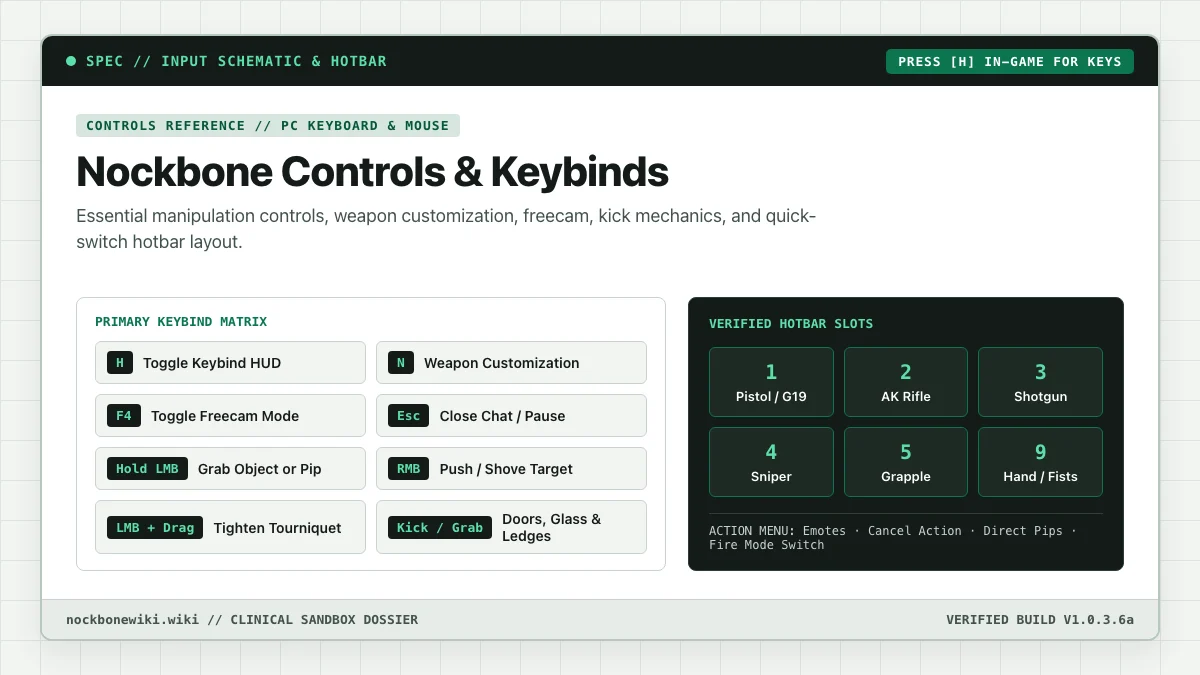
Nockbone Controls & Keybinds Guide: PC Hotbar & Combat
Verified Nockbone controls for V1.0.3.6a: H keybinds, N weapon customization, F4 freecam, hotbar, kicking, and grabs.
Read more →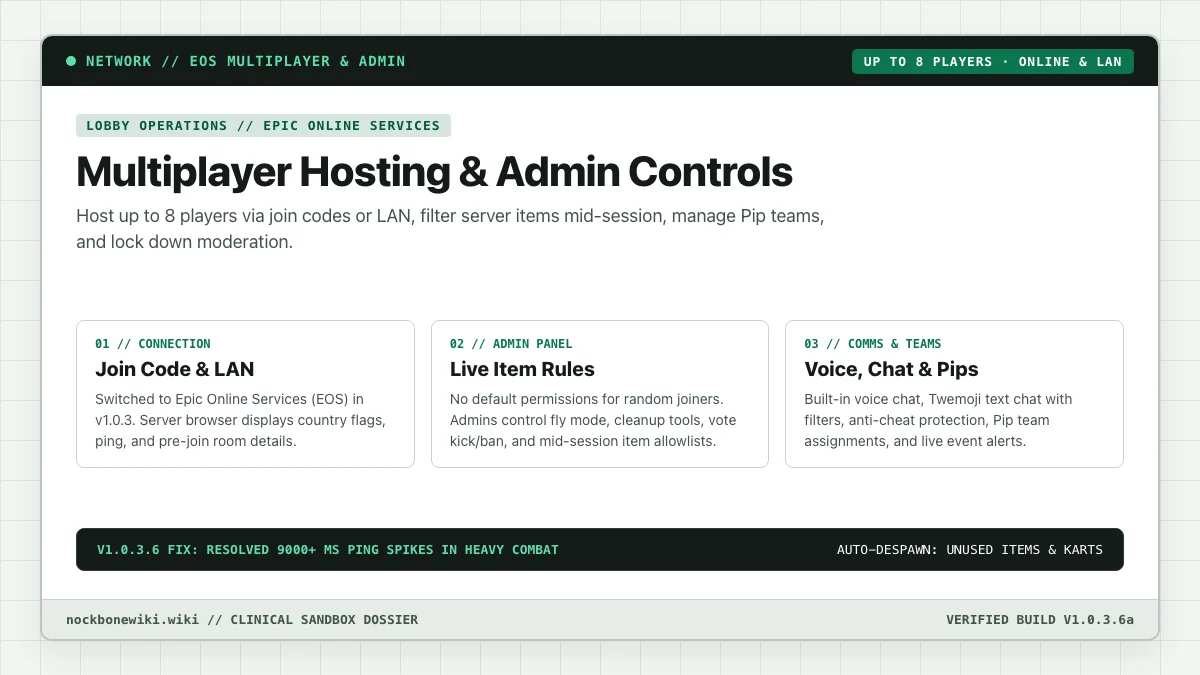
Nockbone Multiplayer Guide: LAN, Join Codes & Admin Tools
Host 8-player Nockbone multiplayer via EOS join codes or LAN with anti-cheat, Pip teams, item bans, and ping fixes.
Read more →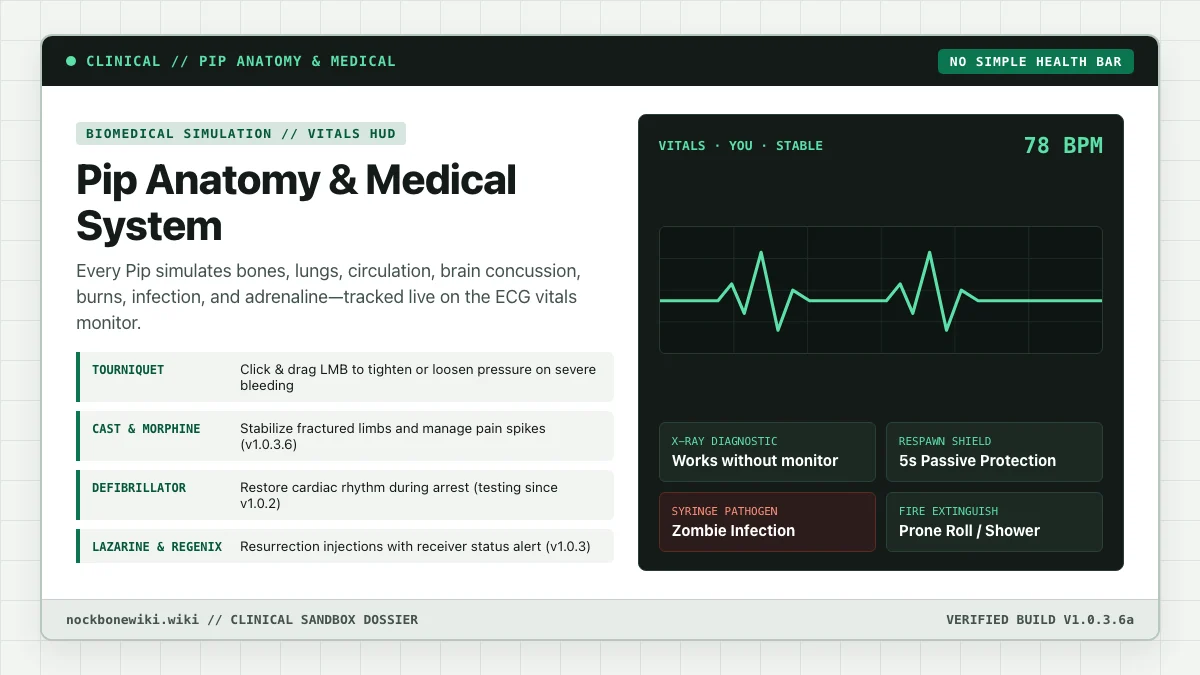
Nockbone Pip Anatomy & Medical Guide: Vitals, Casts & Meds
How Nockbone simulates Pip bones, blood, lungs, ECG vitals, X-ray, tourniquets, casts, morphine, Lazarine, and zombies.
Read more →