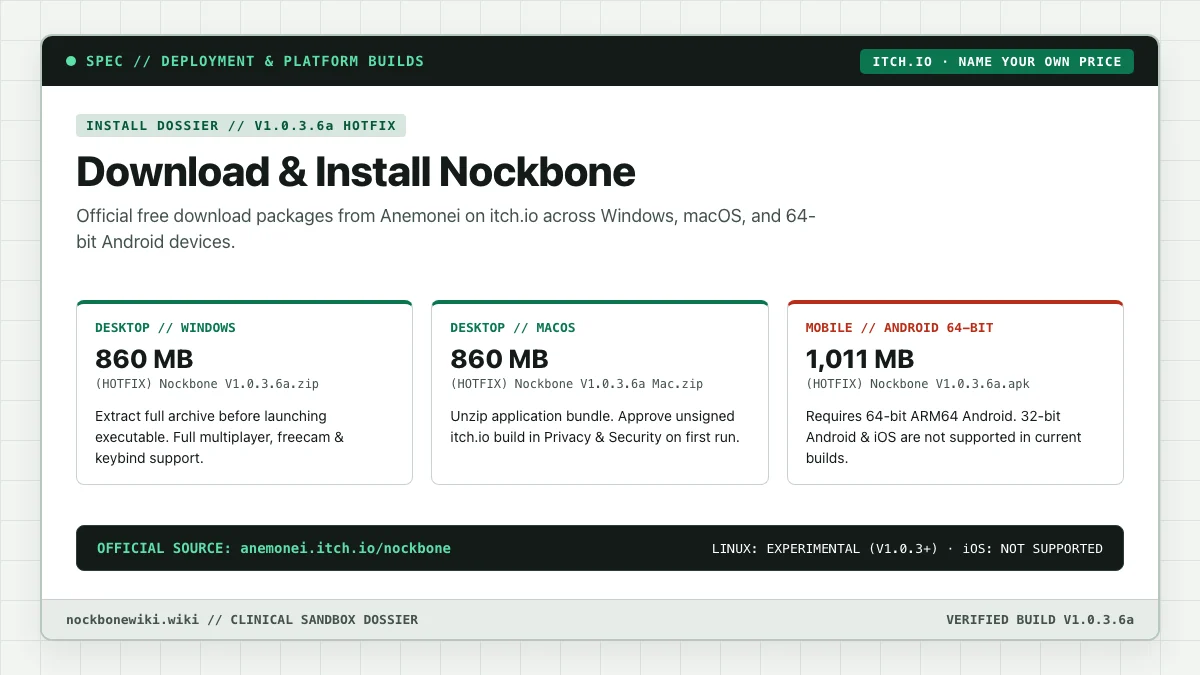
Getting a clean Nockbone download starts with grabbing the right archive from the developer's official listing. Because Nockbone is an early-development Unity physics ragdoll sandbox featuring simulated Pips updated every few days, third-party mirrors frequently host outdated or broken packages. Always get your Nockbone download directly from Anemonei's official itch.io page, where the latest verified build is V1.0.3.6a (HOTFIX) (released around November 26, 2026).
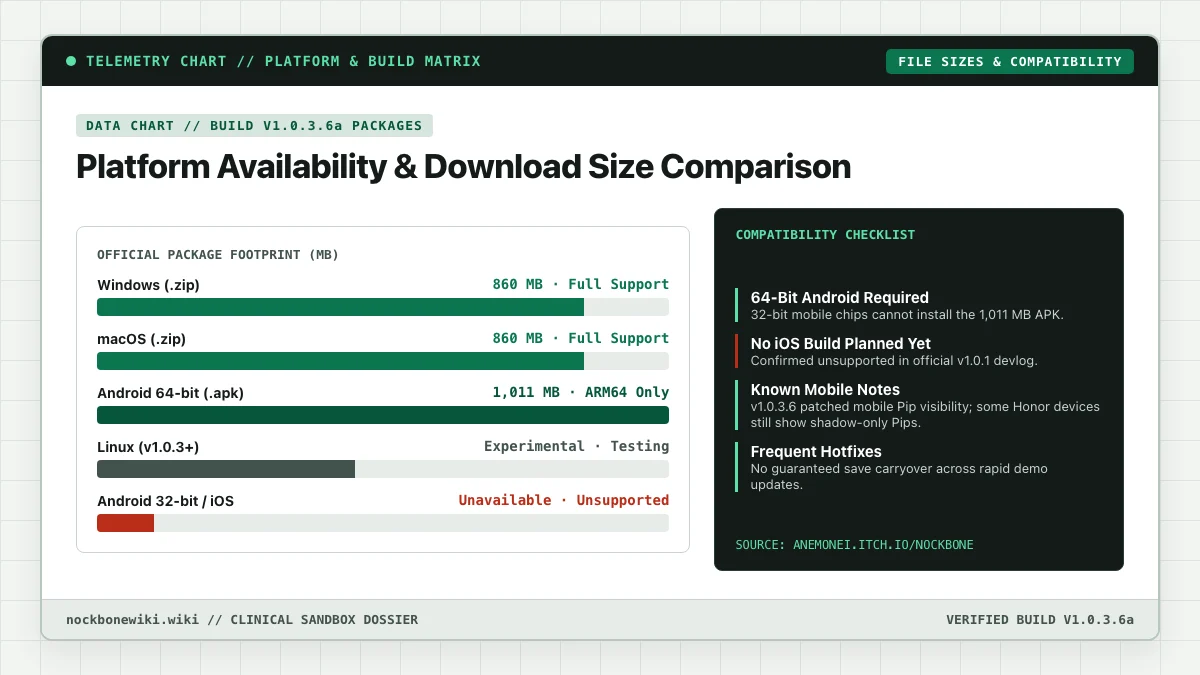
Official V1.0.3.6a Nockbone Download Packages and File Sizes
Every official Nockbone download is offered as Name Your Own Price, which means you can click "No thanks, just take me to the downloads" for a free copy or support Anemonei directly. Before installing, verify that your desktop archive or Nockbone APK matches the hotfix release filenames below:
| Platform | Official File Name | Size | Architecture / Notes |
|---|---|---|---|
| Windows | (HOTFIX) Nockbone V1.0.3.6a.zip |
860 MB | Full desktop build; extract before launching |
| macOS | (HOTFIX) Nockbone V1.0.3.6a Mac.zip |
860 MB | Official Mac desktop archive |
| Android | (HOTFIX) Nockbone V1.0.3.6a.apk |
1,011 MB | 64-bit Android required |
| Linux | Experimental support noted in v1.0.3 | Varies | Early testing status |
| iOS | None | N/A | Explicitly unsupported |
Step-by-Step Nockbone Download & Installation by Platform
Windows PC Nockbone Download Steps
- Grab the Windows Nockbone download archive
(HOTFIX) Nockbone V1.0.3.6a.zip(860 MB) from itch.io. - Extract the entire ZIP folder to a dedicated directory on your drive rather than running the executable from inside a compressed archive preview.
- Launch the extracted Unity executable and check your in-game keybinds immediately by pressing
H—see our Controls & Keybinds Guide for the complete PC control list.
macOS Nockbone Download Steps
- Grab the macOS Nockbone download package
(HOTFIX) Nockbone V1.0.3.6a Mac.zip(860 MB) from the same official itch.io listing. - Unzip the archive and move the extracted application bundle into a permanent folder such as Applications.
- Because this indie itch.io release lives outside the Mac App Store, macOS Gatekeeper may ask you to confirm opening the app from an independent developer in System Settings before the first launch.
Android 64-Bit Nockbone APK Installation
- Confirm your device runs 64-bit Android and has well over 1,011 MB of free storage space (allow extra room for unpacking the Nockbone APK).
- Grab the official Nockbone APK file
(HOTFIX) Nockbone V1.0.3.6a.apkdirectly from itch.io—avoid unofficial third-party APK mirrors. - Enable installation from unknown sources for your browser or file manager in Android Settings, then tap the Nockbone APK to install.
- When a newer patch releases, uninstall older test packages only if you encounter conflicts, keeping in mind that early builds do not guarantee settings carryover between updates.
Why iOS and 32-Bit Android Are Not Supported
Two of the most frequent questions around the Nockbone download on itch.io are whether the sandbox runs on iPhone/iPad or on 32-bit Android handsets:
- No iOS Build: Developer Anemonei explicitly stated in the v1.0.1 devlog ("no ios sorry") that iOS is not supported. Any website advertising an iOS IPA or alternate iPhone Nockbone download is unofficial and should be avoided.
- No 32-Bit Android Support: The current 1,011 MB Nockbone APK targets 64-bit Android architectures only. Many players have requested a 32-bit mobile build, but 32-bit Android is not supported yet.
If you want to track whether new platform builds arrive in future updates, bookmark our Patch Notes & Changelog Archive.
Troubleshooting Known Mobile and Performance Issues
Anemonei transparently notes on itch.io that this Unity sandbox is an early testing demo (with AI-assisted code edited by the team), so occasional crashes, unoptimized frame rates, and multiplayer desyncs are expected while optimization continues. Below are the verified issues players encounter most often after completing their Nockbone download on V1.0.3.6a:
Invisible or Shadow-Only Pips on Honor and Android Devices
Several Android players—especially on Honor phones—have reported a rendering bug where Pips turn completely invisible and cast only shadows on the ground. Make sure you installed at least the v1.0.3.6 / V1.0.3.6a Nockbone APK, as v1.0.3.6 shipped a targeted fix for invisible Pips on mobile. If your Honor handset still shows shadow-only Pips on V1.0.3.6a, this remains a known device-specific issue acknowledged for ongoing developer patches rather than a corrupted Nockbone download.
Close-Up Liquid FPS Drops and Mobile Pre-Game Crashes
Players on both desktop and mobile report noticeable frame-rate drops when looking closely at simulated liquids (such as heavy blood pools or spraying gasoline). On lower-end Android devices, crashes can also occur during pre-game animations or while loading larger maps. To reduce strain on mobile hardware:
- Avoid crowding the camera directly over dense liquid pools during heavy combat.
- Start with compact maps before loading engineering-heavy maps like Lost in Space or multi-floor arenas covered in the All Maps & Locations Database.
- Keep background apps closed on Android so the 1,011 MB Unity build has maximum available memory.
Multiplayer Lag and Updating Your Nockbone Download
If you experienced severe online lag in older builds, upgrading to the V1.0.3.6a Nockbone download is essential: v1.0.3.6 fixed a critical networking bug that caused 9000+ ms ping spikes and dropped player, vehicle, or voice updates during heavy fights. For hosting or joining up to 8 players smoothly over EOS or LAN, continue to our Multiplayer, LAN & Admin Guide.
Frequently asked questions
Is the Nockbone download free on itch.io?
Yes. Anemonei distributes the official Nockbone download on itch.io under a Name Your Own Price model, so you can select the free download option or choose to tip the developer.
Why will the Nockbone APK not install on my Android phone?
The official V1.0.3.6a Nockbone APK (1,011 MB) requires a 64-bit Android device. Older or budget phones running a 32-bit Android OS cannot install or run the current build yet.
Is there an iOS or iPhone Nockbone download?
No. In the v1.0.1 devlog, developer Anemonei explicitly stated that iOS is not supported ('no ios sorry'), and no iOS build exists in V1.0.3.6a.
Why are Pips invisible or only showing shadows after installing the Nockbone APK on an Honor phone?
Mobile rendering bugs have affected several Android models—especially Honor devices. Update to the V1.0.3.6a Nockbone APK first, as v1.0.3.6 shipped a fix for invisible Pips on mobile, though some Honor users still report shadow-only Pips pending further patches.
Do my settings or saved sessions carry over after a new Nockbone download?
Not reliably. Because the game is an early testing build updated every one to four days, settings or active sessions may not carry over between builds.
Keep reading
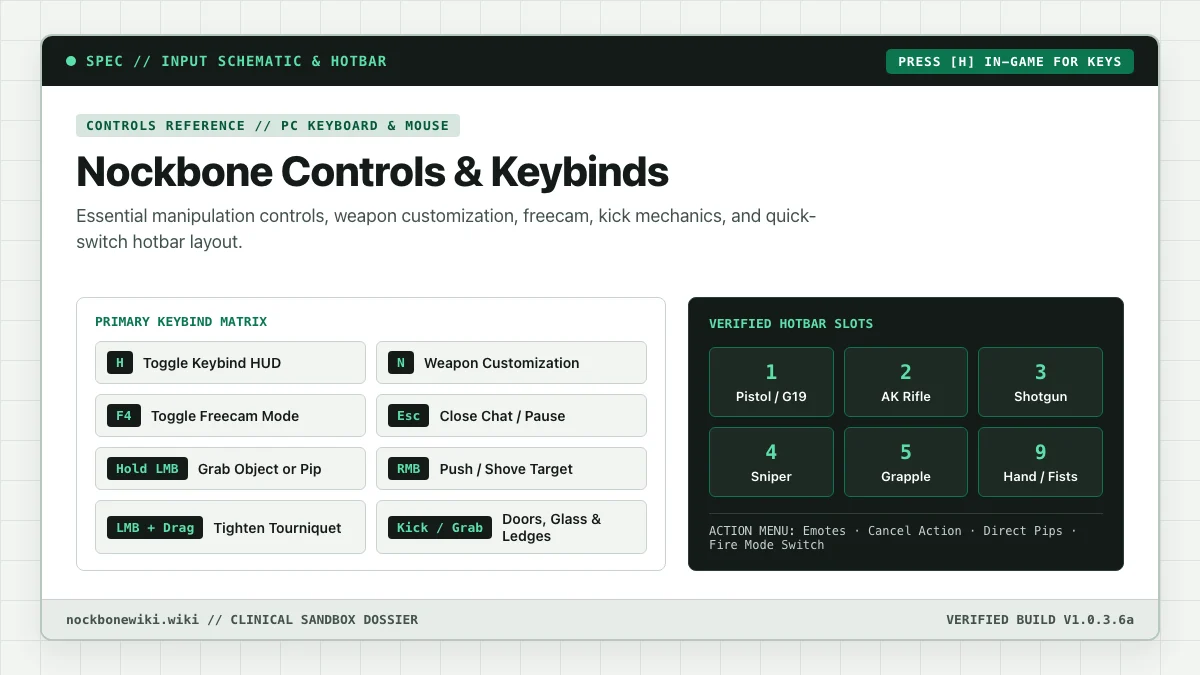
Nockbone Controls & Keybinds Guide: PC Hotbar & Combat
Verified Nockbone controls for V1.0.3.6a: H keybinds, N weapon customization, F4 freecam, hotbar, kicking, and grabs.
Read more →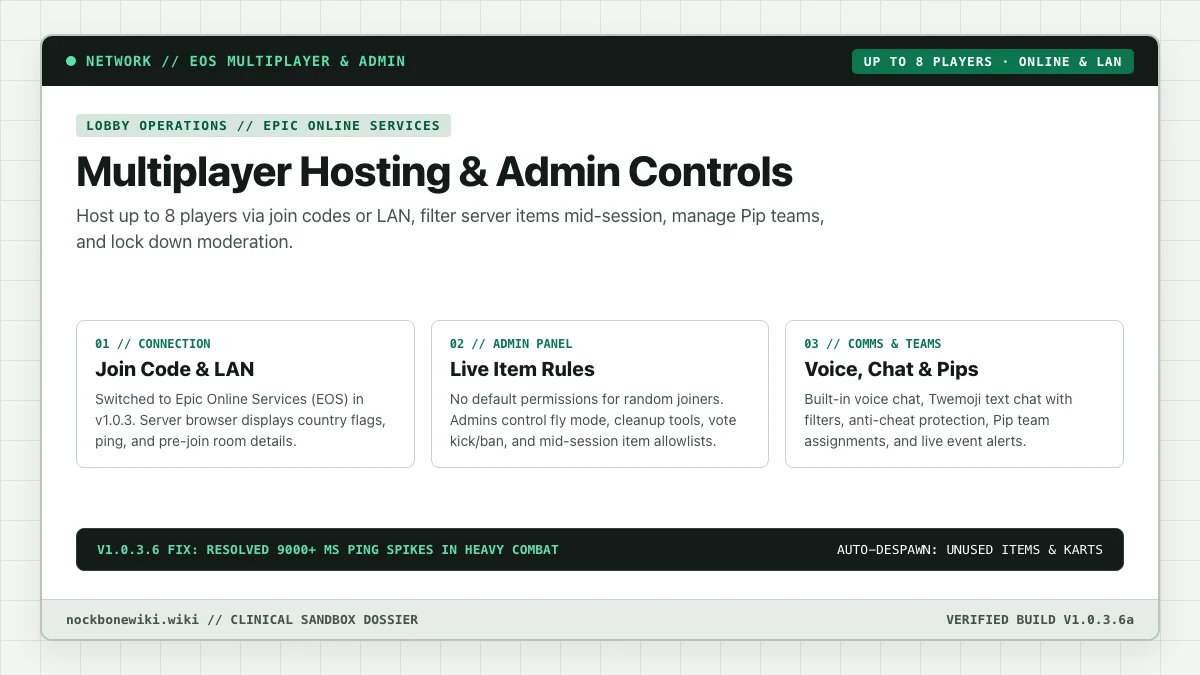
Nockbone Multiplayer Guide: LAN, Join Codes & Admin Tools
Host 8-player Nockbone multiplayer via EOS join codes or LAN with anti-cheat, Pip teams, item bans, and ping fixes.
Read more →
Nockbone Pip Anatomy & Medical Guide: Vitals, Casts & Meds
How Nockbone simulates Pip bones, blood, lungs, ECG vitals, X-ray, tourniquets, casts, morphine, Lazarine, and zombies.
Read more →